
Best Free Photoshop AI Generative Fill Alternatives
Discover the best free alternatives to Photoshop AI Generative Fill. Compare web tools, local generators, and object-removal platforms without subscription…
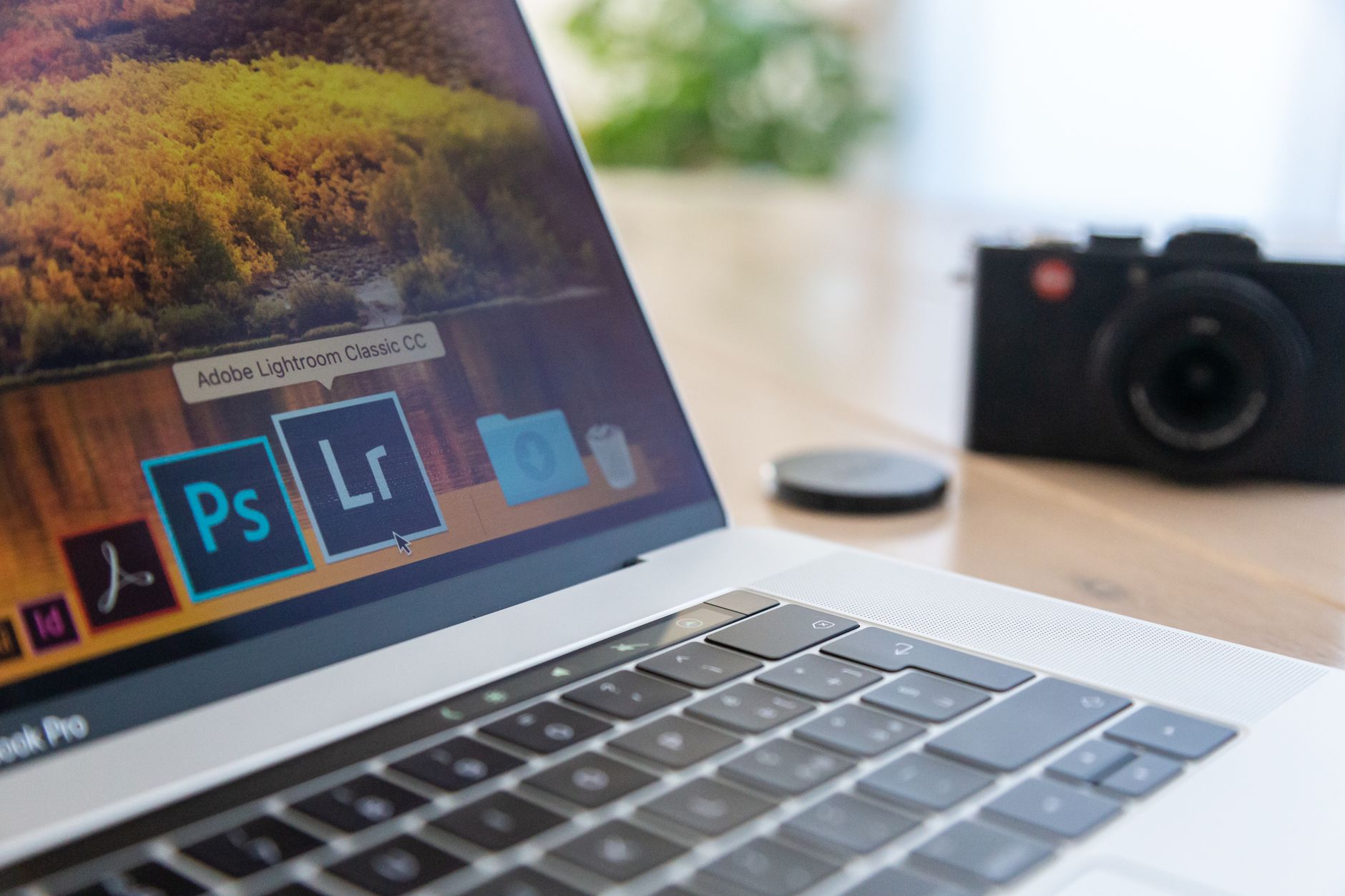
Adobe Photoshop added its AI Generative Fill feature in 2023, giving creators the power to insert objects, replace backgrounds, and extend canvas borders with text prompts. However, accessing the tool requires an ongoing Creative Cloud subscription that typically costs $20 per month. Users who want those capabilities without the recurring fee have access to a wide array of free web editors, specialized inpainting sites, and offline tools.
Browser-Based Tools with Prompt Support
If you need prompt-driven additions where the AI creates brand-new elements inside a selection, web tools offer the fastest workflow. Adobe Firefly Web serves as Adobe's standalone generative AI hub, delivering Photoshop-grade output and prompt controls alongside a generous tier of free generative credits. This lets users add, remove, and expand selections with official Adobe algorithms without paying for the desktop desktop suite.
Adobe Express also includes a free plan with daily access to Insert Object and Remove Object features. For users who eventually need heavier volume, an optional Premium plan costs US$9.99 per month for 250 generative credits. Express gives casual editors a quick way to retouch photos without touching complex layer panels.
Photopea is an established, free browser-based image editor that mirrors Photoshop's interface and includes AI-based generative fill capabilities. Creators already accustomed to Photoshop shortcuts and workspace layouts can select an area, apply generative commands, and preserve a multi-layer workflow. PxBee provides another free web-based inpainting alternative that supports text prompts, requiring no sign-up and adding no watermarks to finished exports.
Pixelcut offers an online generative fill tool that accepts short descriptive prompts after you brush over an unwanted section. Pixelcut explicitly allows commercial use for generated images, making it a viable choice for business assets. Fotor provides a similar generative fill service across both web and mobile app versions, letting users brush target zones and enter text descriptions. While Fotor allows free effect previews, maximum-quality downloads require a paid membership, and commercial usage rights depend on the copyright of the source photo.
Fast Object Removal Without Prompts
Not every generative fill task requires generating complex objects from text. For basic retouching, such as eliminating watermarks, power lines, scratches, or background tourists, simple inpainting algorithms provide faster and cleaner results than prompt engines.
BigImg delivers 10 free generations per day without requiring account registration. It relies on the LaMa (Large Mask Inpainting) model and performs best when the selected mask covers under 15% of the overall image. You simply draw a box over the offending element, and the model reconstructs the background based on nearby pixels.
Cleanup.pictures uses that same LaMa architecture to remove background elements instantly. The free tier carries no daily generation quotas, though output exports are capped at a 720p resolution limit. These tools do not let you type text commands to add objects, but they excel at clean, zero-friction deletion tasks.
Advanced Local and Standalone AI Generators
For users who want zero subscription fees, no credit meters, and maximum creative control, running an AI pipeline locally provides an ideal alternative. Stable Diffusion can be installed and executed entirely on a personal computer for free, offering prompt-driven inpainting and outpainting quality that rivals commercial software. Because it runs locally, you must supply a capable graphics processing unit (GPU) to handle the compute workload.
Open-source illustration software Krita supports the Krita AI Diffusion plugin. This integration lets digital painters brush a selection and run generative fill directly on their canvas using their own hardware. It mimics the seamless selection-to-generation pipeline found in Photoshop without locking users behind a cloud paywall.
Cloud-based generation suites also offer regional editing tools. Canva includes native AI features for adding or removing objects, alongside its standard image generator. Midjourney features Vary (Region) and Remix Mode, enabling users to isolate parts of an existing image and regenerate them through specific text prompts. Leonardo AI, the Gemini app (which features daily caps on photo modifications), and OpenAI's DALL-E—accessible via ChatGPT integration—offer additional inpainting and selective editing workflows.
Comparing Free Generative Fill Alternatives
Selecting the right alternative depends on whether you need simple object deletion, creative additions, or local privacy. The table below outlines how popular free options compare across prompt capabilities, usage terms, and primary focus areas.
| Tool | Text Prompt Support | Free Limitations | Best Use Case |
|---|---|---|---|
| Adobe Firefly Web | Yes | Limited monthly free credits | Photoshop-quality generation and outpainting |
| Adobe Express | Yes | Daily limits on free tier; $9.99/mo for 250 credits | Quick social graphics and object replacement |
| BigImg | No | 10 daily generations; best under 15% mask area | Fast object and watermark cleanup without signup |
| Cleanup.pictures | No | 720p resolution export cap | Rapid object deletion for web-sized media |
| Pixelcut | Yes | Standard web rate limits | Commercial object replacement via browser |
| PxBee | Yes | Standard web bandwidth limits; no sign-up | Watermark-free creative inpainting |
| Photopea | Yes | Ad-supported interface | Layer-based editing inside a familiar UI |
| Stable Diffusion | Yes | Requires personal GPU hardware | Unlimited, private, high-resolution generative fill |
How Generative Inpainting Tools Work
Regardless of the platform you choose, generative replacement follows a standard visual editing process. Understanding the general workflow ensures you get predictable results from free tools:
- Isolate the canvas area: Use a brush tool, lasso, or rectangular marquee to define the mask. In tools like BigImg, drawing a loose box over the target is sufficient, whereas tools like Fotor and PxBee reward precise brushing around object borders.
- Choose between inpainting and generative replacement: If using a non-prompt tool like Cleanup.pictures, leaving the selection empty prompts the model to sample surrounding textures and blend the patch automatically.
- Provide descriptive prompt text: When using tools like Firefly, Pixelcut, or Stable Diffusion, type specific details about the lighting, material, and perspective of the object you wish to add.
- Review and regenerate: Most generative tools output multiple variations. Choose the blend that matches the focus depth and color balance of your source image before finalizing the export.
Core Trade-offs and Limitations
While free tools provide accessible alternatives to Adobe's $20 monthly ecosystem, they present practical trade-offs. Image resolution remains a primary restriction among web-based tools. Platforms such as Cleanup.pictures limit free downloads to 720p, while Fotor locks top-tier resolutions behind paid tiers.
Prompt flexibility also varies. Tools running the LaMa architecture perform well for removing distractions, but cannot interpret creative instructions. Conversely, running unrestricted prompt models like Stable Diffusion eliminates cloud subscriptions entirely, but shifts the burden to your hardware, requiring a capable GPU to avoid sluggish render times. Choosing the best tool involves balancing your need for rapid cleanup against prompt-driven flexibility.
Frequently Asked Questions
Can you use Adobe Firefly for generative fill without paying for Photoshop?
Yes. Adobe Firefly Web exists as a standalone browser tool offering generous free credits, prompt support, and the same underlying generative quality as Photoshop without a Creative Cloud subscription.
Which free generative fill tool allows commercial use?
Pixelcut provides a free generative fill tool with prompt support that permits commercial use. Other platforms like Fotor tie commercial usage rights directly to the copyright status of the original image you upload.
Do local AI tools require a dedicated graphics card?
Yes. Free open-source alternatives like Stable Diffusion and the Krita AI Diffusion plugin run entirely on your local machine and require a dedicated graphics processing unit (GPU) to generate fills.
Sources
Last updated: 2026-10-30
Photo: Donatello Trisolino / Pexels
Reader Responses (0)
No approved comments yet. Be the first to share your perspective!